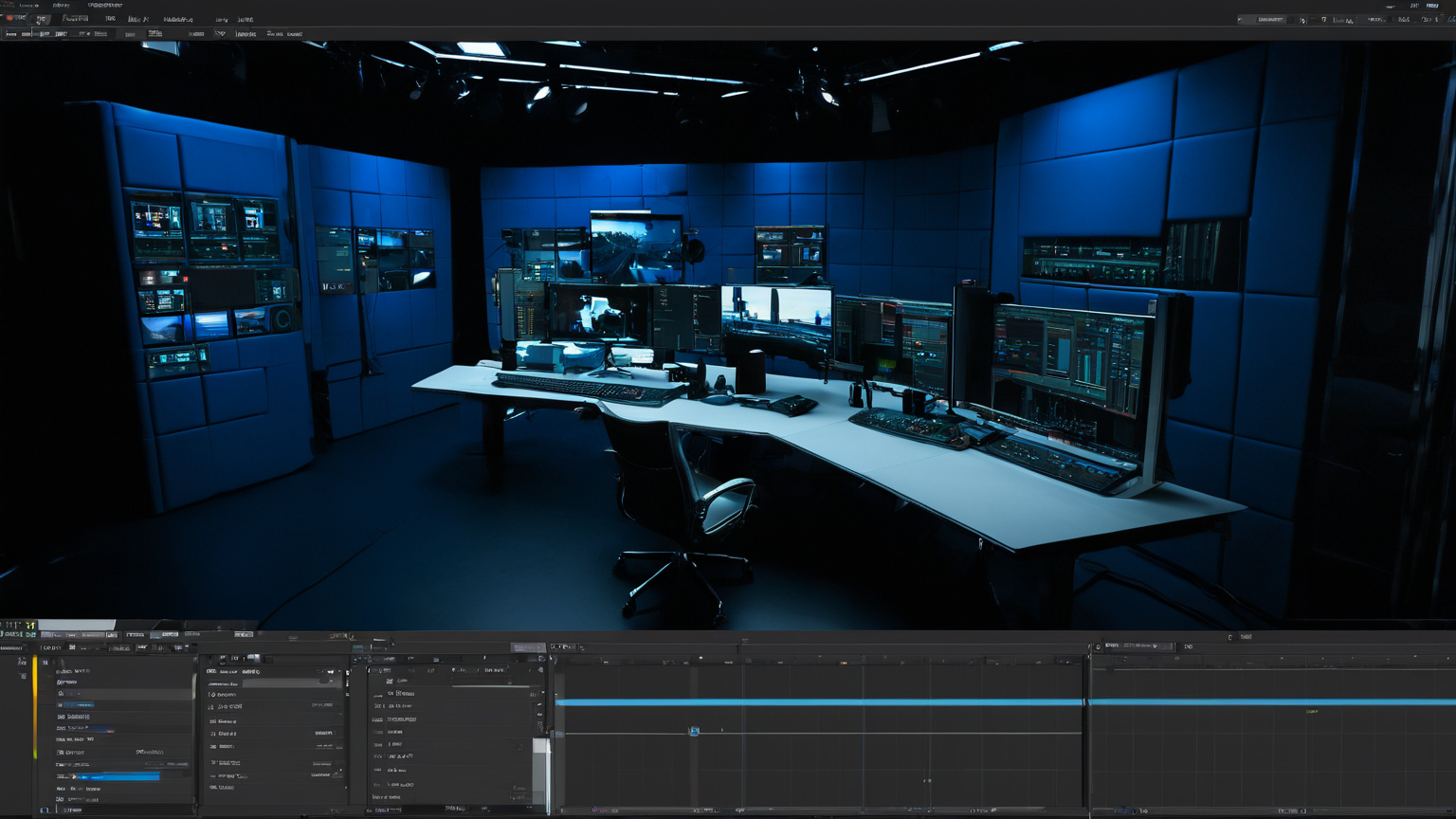
Video Editor — Social Media & YouTube
I edit video in Adobe Premiere Pro and DaVinci Resolve — short vertical clips for Reels and TikTok, longer videos for YouTube, and edits of webinars and stream recordings. I work with footage the client has already shot — I don't do the filming myself, and I say so clearly at the briefing stage to avoid any mismatch in expectations. When editing short clips, I focus on holding attention in the first three seconds — trimming pauses, adding captions, because most of the audience watches with sound off. For longer videos, I watch the pacing and I'm not afraid to cut interesting but slow-moving sections if they don't move the story forward. I handle basic color correction and pick background music under a clean license — never a track without proper usage rights. I can put together simple animated graphics for titles and lower thirds, but I don't do complex motion graphics from scratch — for that I recommend a dedicated motion designer. Typical turnaround for a video under three minutes is two to three working days; for anything over ten minutes, up to five days.